
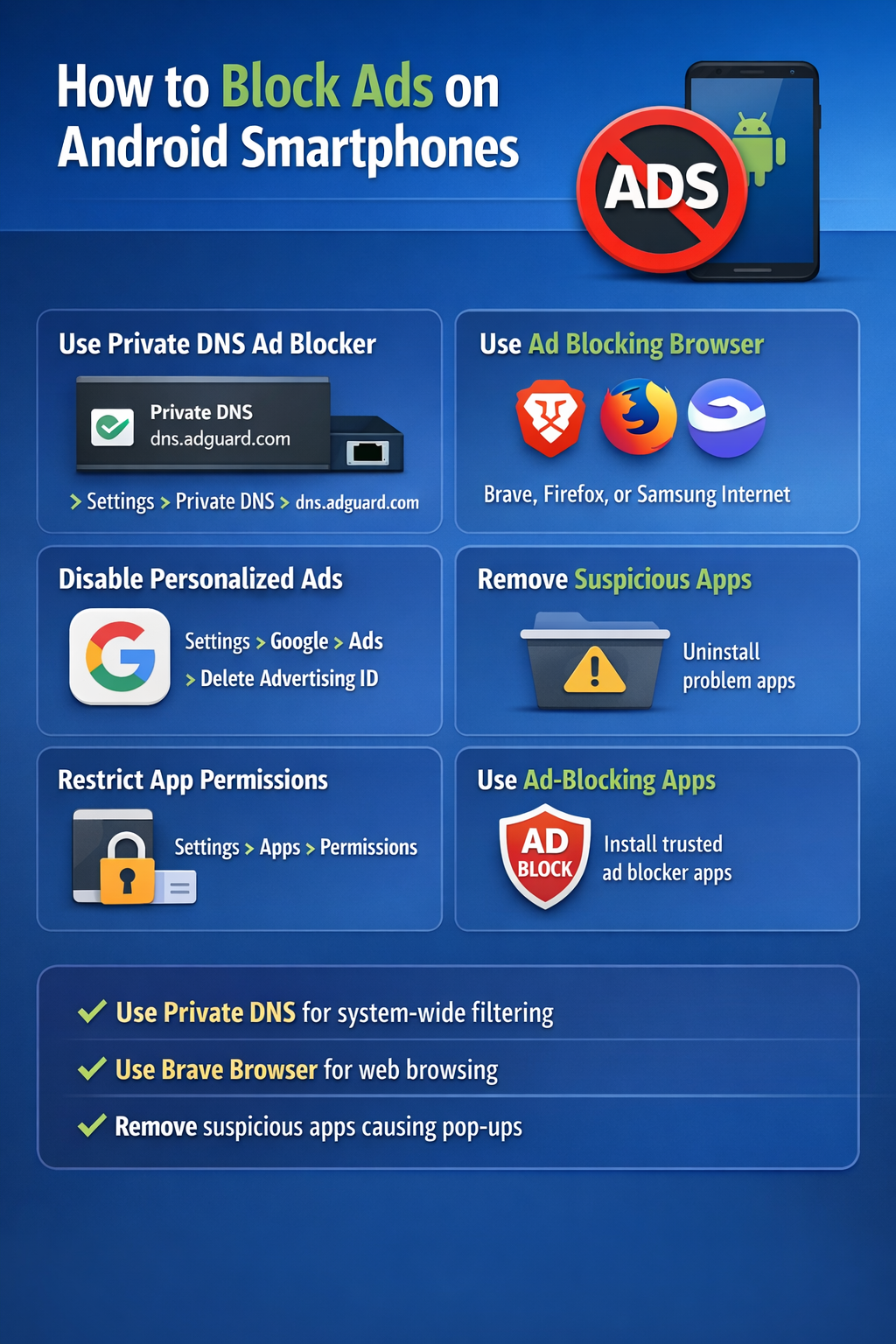
You can reduce or block ads on Android in a few practical ways:
1. Use a private DNS ad blocker: This is one of the easiest methods for system-wide ad blocking.
Steps:
- Open Settings
- Go to Network & Internet or Connections
- Tap Private DNS
- Choose Private DNS provider hostname
- Enter:
dns.adguard.com - Save
This blocks many ads in apps and browsers, though not all.
2. Use a browser with built-in ad blocking: For web ads, install a browser such as:
- Brave
- Firefox with ad-blocking extensions support on Android
- Samsung Internet with content blockers
This is usually the best option for ads while browsing websites.
3. Disable personalized ads: This does not block ads completely, but it reduces targeted advertising.
Steps:
- Open Settings
- Go to Google
- Tap Ads
- Turn on Delete advertising ID or reset/limit ad personalization, depending on your Android version
4. Remove suspicious apps: Some ads come from installed apps, especially free utility, cleaner, wallpaper, or cracked apps.
Check for:
- Apps that show pop-up ads on the home screen
- Recently installed unknown apps
- Apps with “Display over other apps” permission
Uninstall any suspicious app.
5. Restrict app permissions: For apps causing intrusive ads:
- Go to Settings > Apps
- Select the app
- Review permissions
- Turn off things like Display over other apps if not needed
6. Use ad-blocking apps or firewall apps: Apps like ad blockers or local VPN-based blockers can help, but only install trusted ones from reputable developers.
Important note; you usually cannot block every ad everywhere without limits. Some apps, YouTube, and streaming platforms may still show ads unless you use their paid versions.
Best simple method:
- Private DNS for system-wide filtering
- Brave browser for web browsing
- Remove suspicious apps causing pop-ups